
OCTOBER 27 · DÍA DE MUERTOS
Rainbow Bridge Pet AI Video Generator
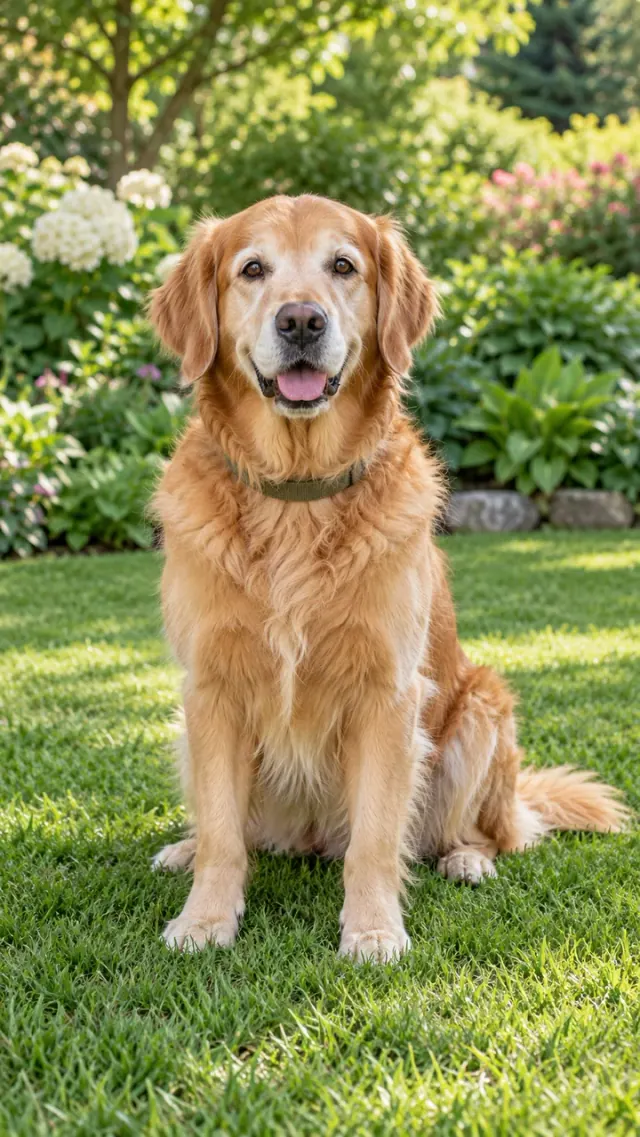
A quiet garden. A familiar look, one more time.
Rainbow Bridge Pet AI creates a peaceful tribute from one pet photograph. Your companion walks over a small wooden bridge after rain, with a rainbow in the distance and a gentle look toward you.
One photo · 10 seconds · vertical MP4 · from $9.99
Fictional subject. Watch the complete example before creating.
YOUR INPUT1 clear photo
YOUR VIDEO10s · 9:16 MP4
NATIVE QUALITY720p
YOUR FILESPrivate in your account
A FEW WAYS TO REMEMBER
Every memory has a place.
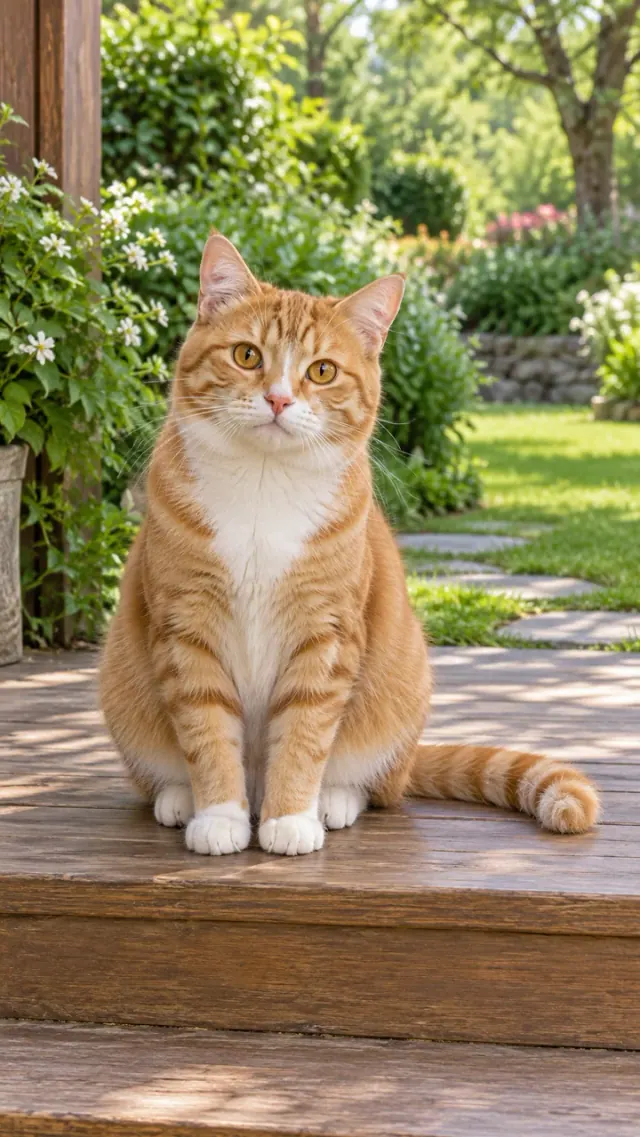
Original AI examples using fictional subjects. Customer photos stay private. Appearance and movement can vary.
FROM YOUR CAMERA ROLL TO A KEEPSAKE
Make a little room for memory.
Rainbow Bridge Pet AI creates a peaceful tribute from one pet photograph. Your companion walks over a small wooden bridge after rain, with a rainbow in the distance and a gentle look toward you.
Choose a photograph with a clear face and the details you want to remember. Check your scene and the credit cost before submitting.
How it works ↓YOUR PERSONAL KEEPSAKE
Begin with a photograph.
THREE SMALL STEPS
A photograph. A new little moment.
- 01
Choose your memory
Pick a scene and add one clear photo of your dog or cat.
- 02
Create at your own pace
Sign in, check the credit cost and submit once. Your account saves the task and its progress.
- 03
Keep it close
Open the complete result, check the details and download your original MP4.
THE DETAILS THAT MATTER
A little care makes the memory yours.
The Rainbow Bridge Pet AI setting
Rainbow Bridge Pet AI uses a quiet garden after rain: wet wood, soft sunlight, flowers and a distant rainbow. The pet approaches at an unhurried pace, pauses and looks back toward the viewer. It is a year-round memorial scene that can stand on its own outside the Día de Muertos season.
Choose a Rainbow Bridge Pet AI photo
For Rainbow Bridge Pet AI, choose one clear dog or cat photograph with natural proportions and visible markings. Include the paws and tail when possible. Avoid heavy filters, pet costumes and tiny faces in wide landscapes. A sharp daylight picture gives the model more of the details you want to preserve.
Review a Rainbow Bridge Pet AI result
Watch the entire Rainbow Bridge Pet AI video before downloading. Check the face, ear shape, collar, gait and final glance. The model creates new movement from a still photograph, so exact expressions and timing can differ. A clear visual defect can be reviewed separately from a technical generation failure.
A private Rainbow Bridge Pet AI keepsake
Your Rainbow Bridge Pet AI result belongs in your signed-in account, with a stable link for reopening. Save the original MP4 before its retention window ends. You can keep it in a family album or share it as an AI tribute. The original download keeps the complete composition and ending.
ONE-TIME CREDIT PACKS
Choose a little space for your memories.
Instructions and examples are free. Your personalized video uses credits: native 720p costs 1 credit.
One memory
1 credit · one-time purchase
1 native 720p video.
- All scenes on this website
- Private original MP4 download
- No subscription
- Credits do not expire
Three moments
A little more room3 credits · one-time purchase
3 native 720p videos.
- All scenes on this website
- Private original MP4 download
- No subscription
- Credits do not expire
A collection
5 credits · one-time purchase
5 native 720p videos.
- All scenes on this website
- Private original MP4 download
- No subscription
- Credits do not expire
Video model: Seedance 2.0 Mini, provided through EvoLink. How your photos are processed.
AI can change facial details, fur, clothing or movement. Start with a clear photo and watch the complete examples. Confirmed technical failures restore credits; request a review of a severe visual defect within 7 days. Re-creations and refunds ↗
Prices in USD. Taxes and the final total appear at checkout. Purchases and balances belong to this website only.
A FEW REASSURING ANSWERS
Before you begin.
What is Rainbow Bridge Pet AI?
Rainbow Bridge Pet AI is an online photo-to-video tool for a personal remembrance scene. Upload a clear photo of one dog or cat, choose a scene and create a private MP4.
How do I use Rainbow Bridge Pet AI?
Choose a scene in Rainbow Bridge Pet AI, add your photograph, sign in and review the displayed credit cost. Submit once, follow the saved task and open the result from your account.
Is Rainbow Bridge Pet AI free?
Rainbow Bridge Pet AI examples and instructions are free to view. Personalized video generation requires purchased credits. The smallest one-time pack is $9.99 for 1 credit. There is no subscription.
How many photos does Rainbow Bridge Pet AI need?
Rainbow Bridge Pet AI needs one clear photo of one dog or cat. JPG, PNG and WebP are accepted, up to 5 MB per image. Use a clear face and natural light.
What file does Rainbow Bridge Pet AI deliver?
Rainbow Bridge Pet AI delivers a vertical 9:16 MP4. Native 720p creation uses 1 credit. The scene and complete sample show the intended action; check the current duration beside the create button.
Does Rainbow Bridge Pet AI include the viral song?
Rainbow Bridge Pet AI can create original ambient sound. It does not include the original viral recording or promise the same song. Add music available for your account and intended use inside your social app.
Will Rainbow Bridge Pet AI look exactly like my photo?
Rainbow Bridge Pet AI creates new AI imagery, so faces, fur, clothing, hands and movement can vary. A sharp, uncluttered photo helps preserve identity. Review the full examples to choose the right visual style.
What if my Rainbow Bridge Pet AI video fails?
A confirmed technical failure in Rainbow Bridge Pet AI returns the credits charged once. A delayed or unconfirmed task is checked before retrying. For a serious visual defect, contact support within 7 days with the task ID.
Are my Rainbow Bridge Pet AI photos private?
Rainbow Bridge Pet AI keeps uploads and results private to your account. Inputs are scheduled for deletion after 7 days unless unresolved, and results after 30 days. Customer uploads are not published as examples.
ANOTHER WAY TO REMEMBER